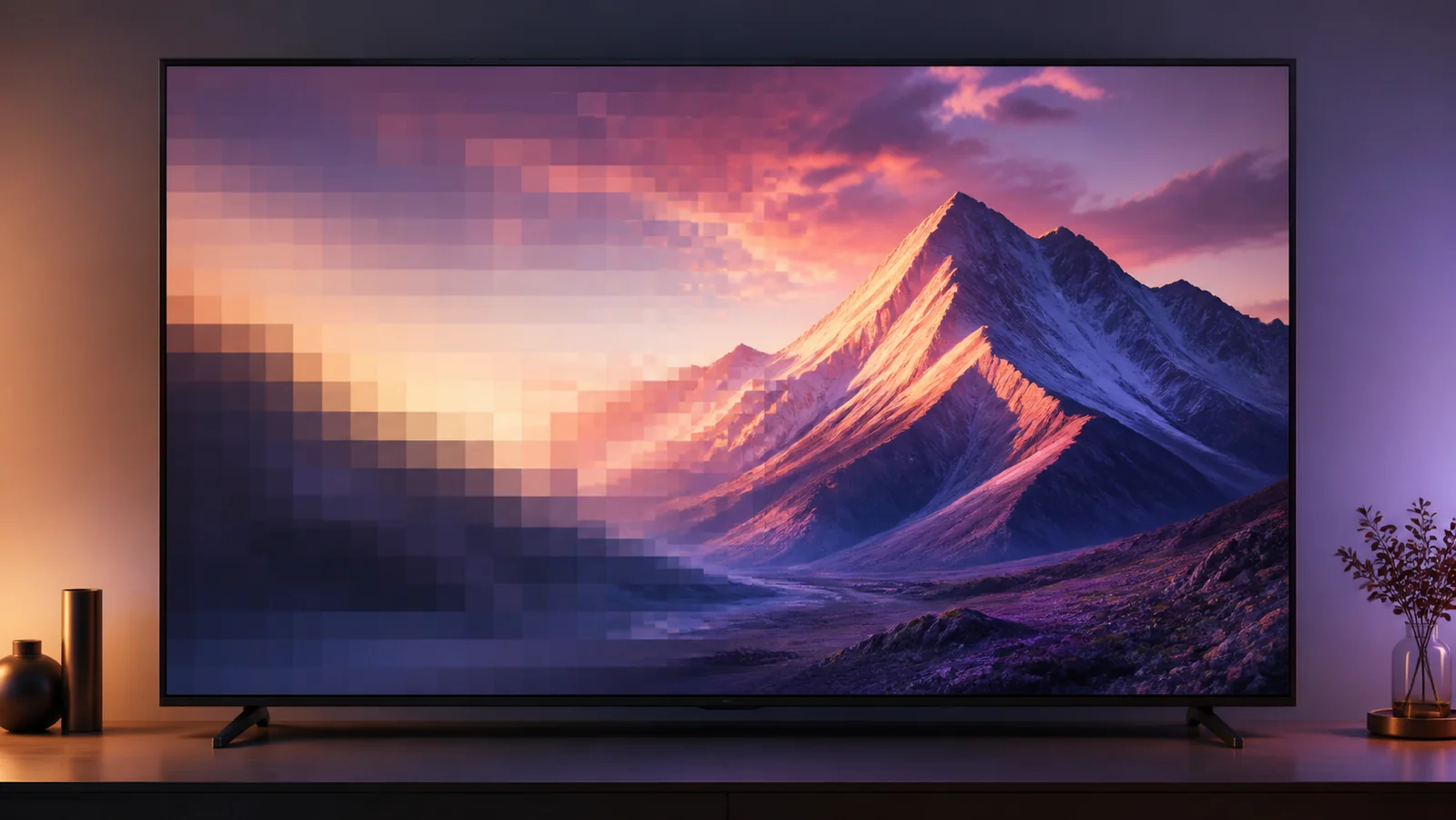
Direct answer: 4K upscaling is the process a television or playback device uses to convert a lower-resolution picture so it fills a 3840 × 2160 display. The processor estimates the additional pixels and may reduce noise or improve edges. Upscaling can make good HD video look cleaner on a 4K television, but it cannot recover detail that was never present in the source.
Every non-4K source displayed full-screen on a 4K television must be scaled somewhere. The useful question is not whether scaling occurs, but which device performs it and how well it handles the source.
What 4K upscaling actually does
A 1920 × 1080 HD frame contains about one quarter of the pixel count of a 3840 × 2160 4K frame. The television needs values for the additional screen pixels. Basic scaling interpolates them from neighboring pixels. More advanced processors also analyze edges, textures, compression noise and repeated patterns.
Depending on the television, upscaling may include:
- Enlarging the incoming frame to the panel’s native resolution
- Smoothing diagonal lines and curved edges
- Reducing visible compression blocks
- Applying noise reduction to poor sources
- Adjusting sharpness locally rather than equally across the image
Manufacturers use different processing systems and names, so results vary by model. The word “upscaling” alone does not describe the quality of the processor.
Is 4K upscaling the same as native 4K?
No. Native 4K content begins with substantially more source detail. Upscaled HD begins with an HD frame and estimates what should fill the extra pixels.
A well-produced 1080p source can look excellent after careful scaling, especially from a normal viewing distance. It is still not native 4K. Hair, fine text, grass and distant textures usually reveal the difference when the native source and bitrate are strong.
Do not confuse output resolution with source resolution. A streaming box may report a 2160p output while the programme inside that signal began as HD. Our real 4K checklist explains how to check the source, app, device and active television signal.
Where upscaling happens
Inside the television
When a player sends 720p or 1080p, the television normally scales that signal to its 4K panel. This is often the best baseline because the television processor is designed for its own display.
Inside a streaming device
Many boxes and sticks can output a constant 4K signal. They may upscale lower-resolution content before it reaches the television. The TV then receives a 4K-sized frame even when the original source was HD.
Inside an AV receiver
Some receivers offer video scaling between an HDMI source and television. Adding another processing stage is not automatically beneficial. A receiver can also pass a 4K signal through without changing its resolution.
Use one primary scaler when possible. Repeated processing can exaggerate halos, noise or softness.
What determines whether upscaling looks good?
Source quality
Resolution is only one part of the picture. A clean, high-bitrate HD source can upscale better than a heavily compressed “4K” stream. Compression artifacts become more visible when enlarged.
Television processing
Better processors identify edges and texture without creating obvious ringing. Entry-level televisions may use simpler scaling or aggressive sharpening.
Screen size and viewing distance
A large screen viewed closely exposes soft detail and compression. From farther away, the difference between clean upscaled HD and native 4K can become less obvious.
Picture settings
Excessive sharpness does not create real detail. It draws bright outlines around edges. Heavy noise reduction can remove film grain and fine texture, making faces look waxy.
Start with an accurate picture preset and moderate sharpness. Use the Smart TV picture-settings guide before copying values from a different television model.
How to compare the television and player scaler
Choose one familiar HD source and keep the picture mode, room lighting and viewing position unchanged.
- Set the external player to match source resolution if it supports that option
- Let the television scale the HD signal and note fine text, faces and diagonal edges
- Set the player to output 4K and replay the same scene
- Look for halos, crawling edges, excessive smoothness and preserved texture
- Keep the cleaner result rather than the sharper-looking menu label
Do not compare two different titles. Mastering and compression differences can be larger than the difference between scalers.
Can upscaling fix a poor stream?
It can make enlargement less distracting, but it cannot repair missing frames, severe blocking, buffering or a low-quality master. If the source contains smeared detail, the scaler has no original information to restore.
Upscaling also does not convert standard dynamic range into genuine HDR. Resolution and dynamic range are separate characteristics. Read our 4K versus HDR guide and Dolby Vision versus HDR10 comparison for those distinctions.
Should you enable 4K upscaling?
Usually, yes, but it may already happen automatically. A 4K panel cannot display a lower-resolution image full-screen without scaling it.
The practical choice is which device should do the work. Let the television scale when its processor produces the cleaner image or when automatic source matching works reliably. Let the player output 4K when it handles apps consistently and looks better in a controlled comparison.
Avoid stacking aggressive sharpness, artificial detail enhancement and noise reduction. Good upscaling should make the picture easier to watch without announcing the processing.
For help checking the complete 4K path, send the television model, player model and active output information through our WhatsApp contact.