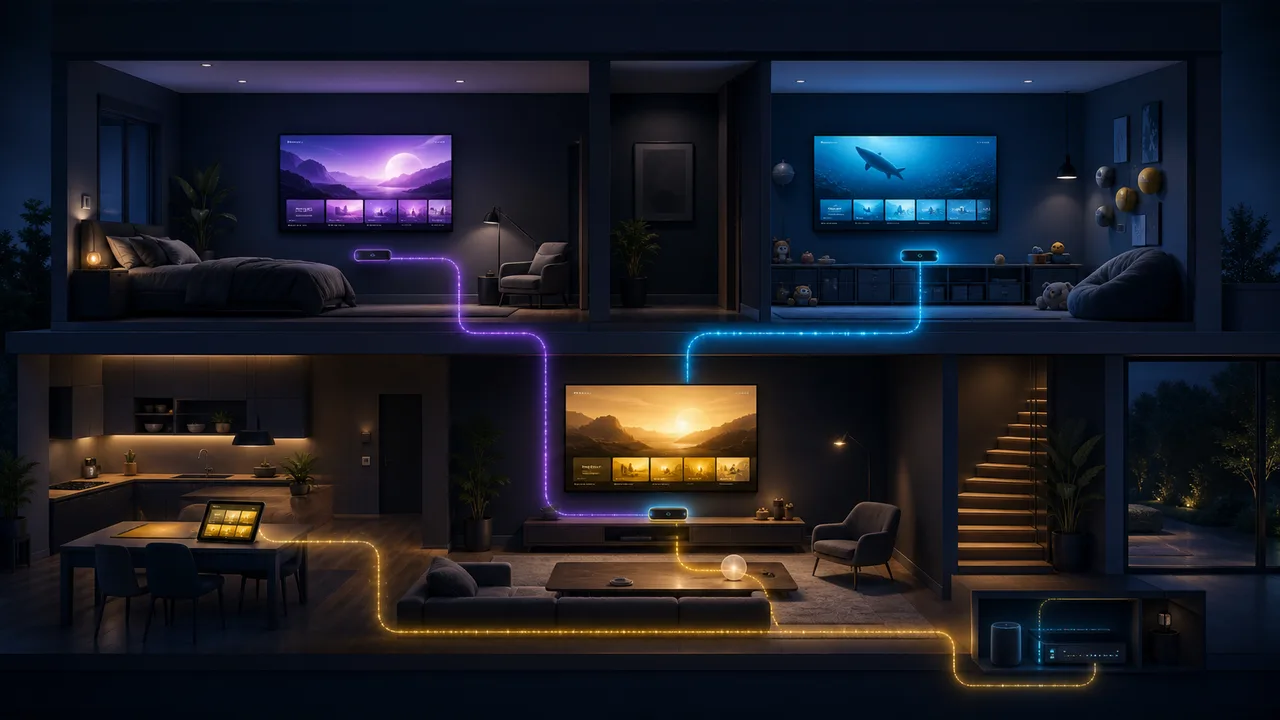
Quick answer: Count the maximum number of screens likely to play at the same time—not every device where the player is installed. A couple often needs one or two connections; a family using separate rooms may need three or four.
A connection normally represents one active stream. You may install a compatible player on a television, phone and tablet, yet use only one connection when just one device plays.
Build a realistic peak-time picture
Think about the busiest evening: perhaps one screen shows sport, another starts a film and a tablet plays children’s content. That is three simultaneous connections. Buying fewer causes avoidable conflicts; buying more than the household can use adds no viewing benefit.
| Household pattern | Starting point |
|---|---|
| One regular viewer | 1 connection |
| Two people who sometimes separate | 2 connections |
| Family using three rooms | 3 connections |
| Busy home with four concurrent screens | 4 connections |
Bandwidth grows with active screens
Connections and internet capacity are separate. Two concurrent streams share the home connection. As a planning guide, reserve around 15 Mbps for each HD stream and 30 Mbps for each 4K stream, then add at least 25% headroom for normal household traffic.
Wi-Fi coverage matters room by room
A fast internet package does not guarantee that an upstairs television receives a strong signal. Test each viewing room. Fixed televisions benefit from Ethernet where practical; a well-positioned mesh system can improve coverage when cabling is impossible.
Frequently asked questions
Does installing the app use a connection?
No. An active playback session normally uses the connection. Exact counting can vary by service and player, so close unused streams.
Can two people watch the same title?
They still use two active connections if two devices play simultaneously.
Can I upgrade later?
Ask before buying. The simplest choice is to test the real household pattern during a trial and select the matching option from the pricing table.